
























 Custom Grills · Android & iOS
Your ideas. Your patterns. Your build.
A Better Grille Starts Here.
Explore mesh styles, create a pattern of your own in Mesh Studio, and preview it with Mesh AR—on Android and iOS.
Available for Android and iOS. Screenshots show Android. Custom design downloads are purchased separately.
Android & iOS
Your phone. Your creative workspace.
Mesh Studio and Mesh AR are available on both platforms. Choose your store and start exploring.
Made for Android.
Design, preview, and keep your ideas moving. Google account sync brings saved Studio designs to your other Android devices, while compatible phones support Sheet and flat Freeform AR placement.
Ready for iPhone.
Create in Mesh Studio, then explore Sheet, Freeform, and Curved AR placement. On supported hardware, LiDAR can assist depth placement. Purchased patterns support private iCloud backup and recovery; drafts stay on the device.
AR requires compatible hardware. Store purchases and recovery use each platform’s own account system.
01 / Find your direction
A whole world of mesh. A better way to explore it.
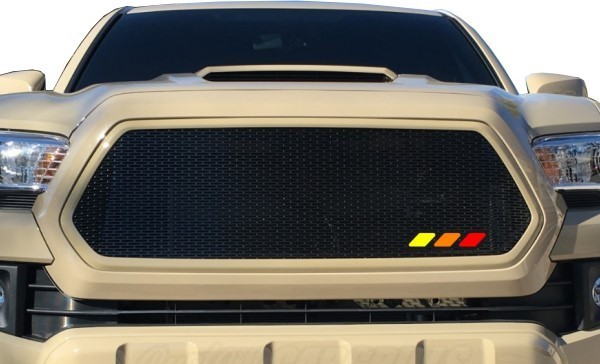
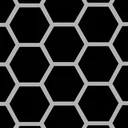
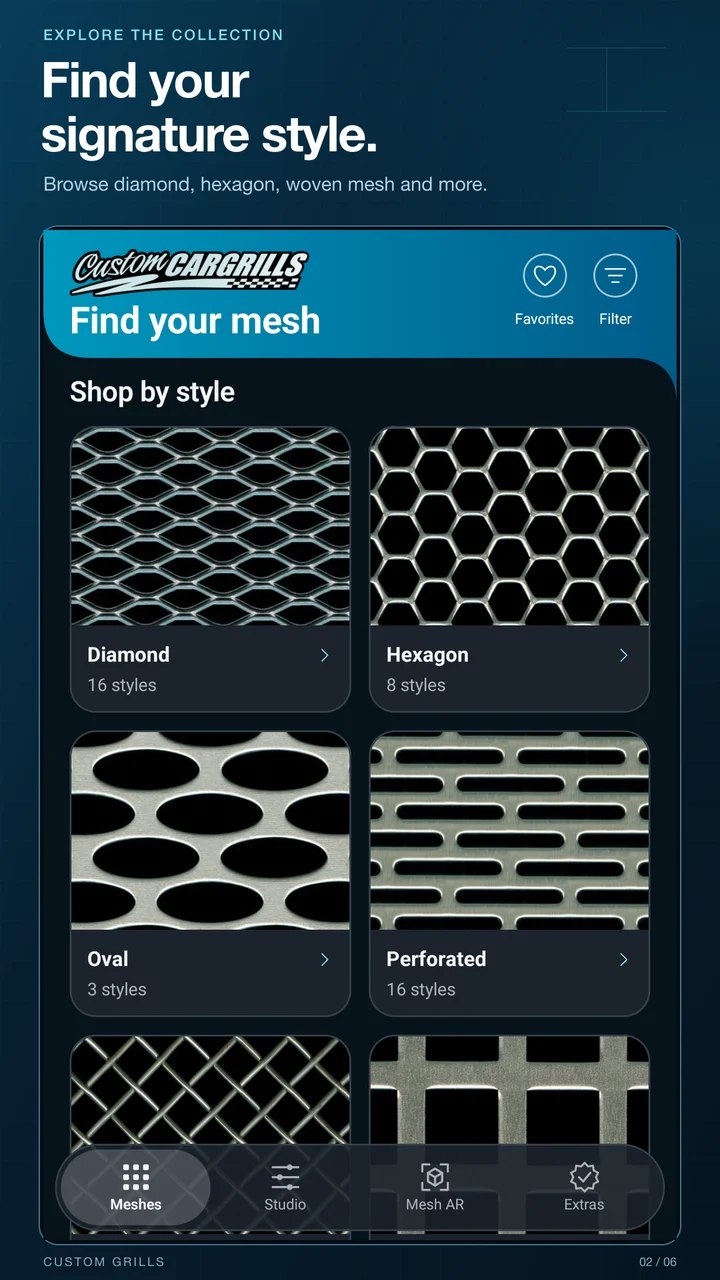
From familiar diamond and hexagon patterns to woven, perforated, oval, and other styles, browse the customcargrills collection with your project in mind.
- Narrow the field. Filter by color, material, and size.
- Compare the details. Explore available finishes and material specifications.
- Keep a shortlist. Save favorites and come back to the styles you love.
- Look closer. Open a full-screen mesh view; use screen calibration for a more useful sense of physical scale.
- Take it further. Preview supported mesh finishes in AR or open the website to shop.
02 / Create your signature pattern
Meet Mesh Studio.
Your imagination gets the controls.
Go from “what if?” to a pattern you can actually see.
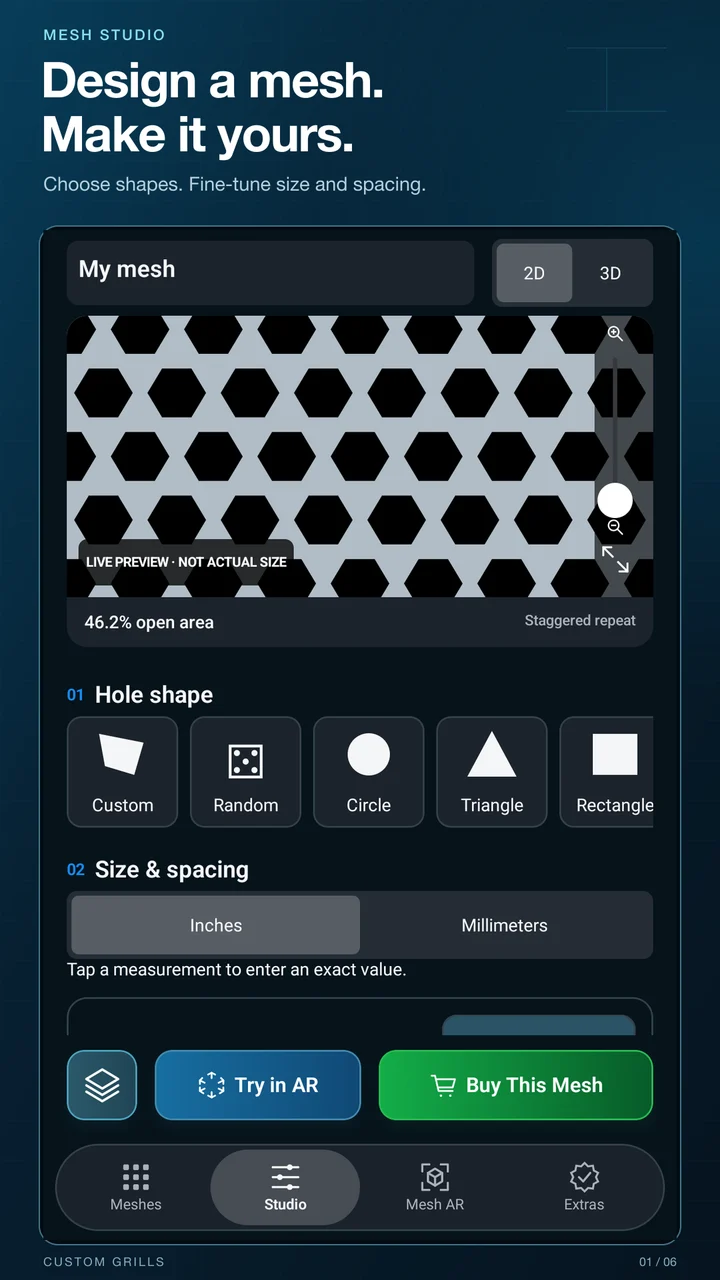
Start with a circle, oval, rectangle, diamond, triangle, pentagon, or hexagon. Then change the proportions, open up the spacing, rotate the pattern, or stagger the rows. The live preview keeps up as you experiment.
Dial in the details.
Enter dimensions in inches or millimeters. Adjust opening width and height, horizontal and vertical spacing, rotation, and stagger. Round supported opening corners, set the sheet dimensions, and choose open edges or a solid border with sheet corner controls.
Make the shape your own.
Draw custom outlines with lines and Bézier curves. Move points, adjust curves, round corners, and undo or redo edits. Combine shapes into a group, then move, resize, and rotate them to build your repeating design.
Add some personality.
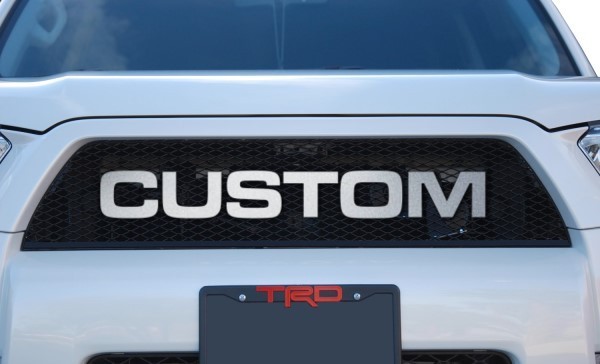
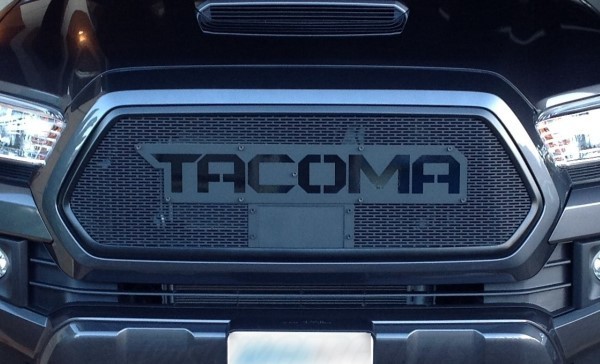
Try a symbol pattern or stencil lettering. Choose from the included lettering fonts, set your text, and work it into the mesh. Need a fresh starting point? Try the random design tool.
See more before you decide.
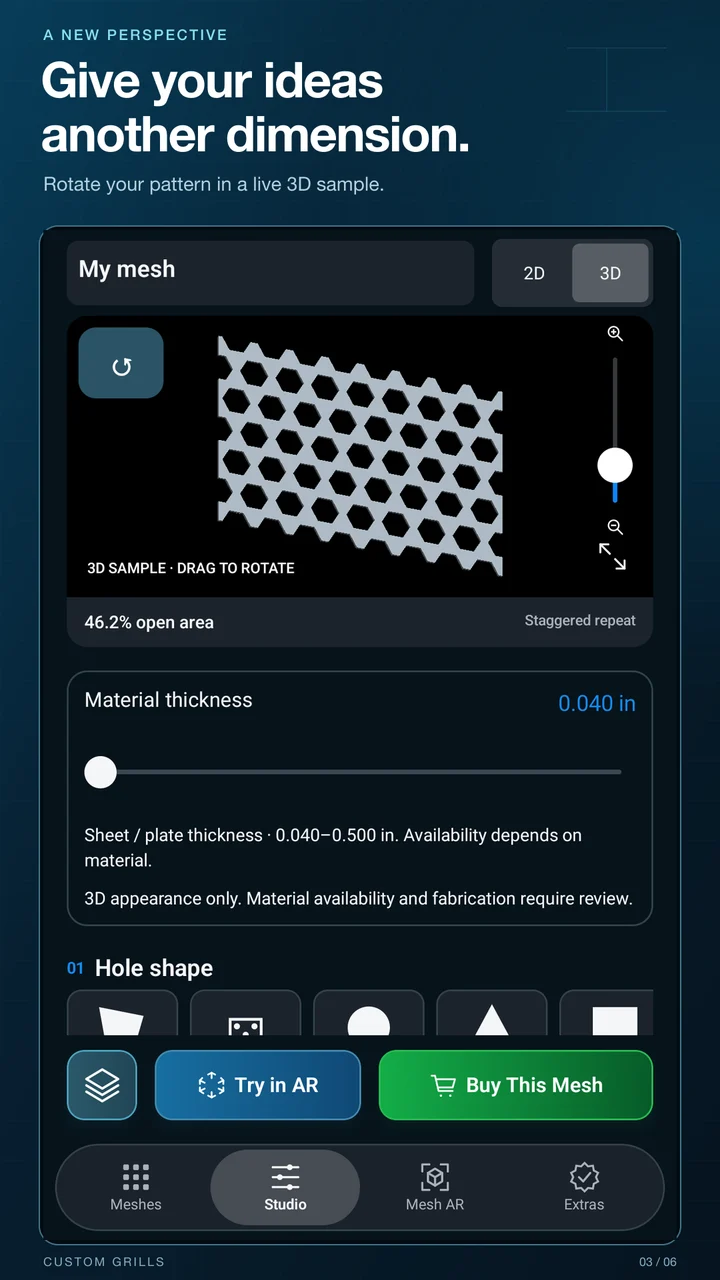
Compare 2D and rotatable 3D previews. Experiment with metal, black, and colored finishes, preview material thickness, and watch the repeating pattern’s open-area percentage change. Use the full-screen actual-size view with screen calibration.
Previews illustrate appearance. Open-area percentage is a geometric reference, not an airflow or strength rating; material availability and fabrication suitability need separate review.
03 / See it in your space
Less imagining.
More seeing.
Bring a catalog mesh or your own Studio pattern into the camera view with Mesh AR.
Place a rectangular sheet on a detected surface, or trace the perimeter of a flat opening in Freeform mode. Adjust the outline points, compare mesh selections, and rotate the pattern to explore the look.
- Sheet mode: enter dimensions and place a full rectangular sheet.
- Freeform mode: trace a flat opening and adjust the points.
- Save the view: capture the AR preview as a photo.
- Save a reference: keep estimated opening measurements on your device.
- Make room to work: use fullscreen and adjust dot size, color, units, and placement assistance.
Mesh AR needs camera permission and an ARCore-compatible Android device or ARKit-compatible Apple device. Measurement estimates must be checked with a tape measure before cutting or ordering. Android supports Sheet and flat Freeform placement. iOS also offers Curved placement and hardware-dependent LiDAR assistance. Other app features work without AR.
04 / Move from idea to next step
Your design has somewhere to go.
Want someone to make it? Request a quote from customcargrills with your design and requirements. Final manufacturing details and pricing are handled through the quote process.
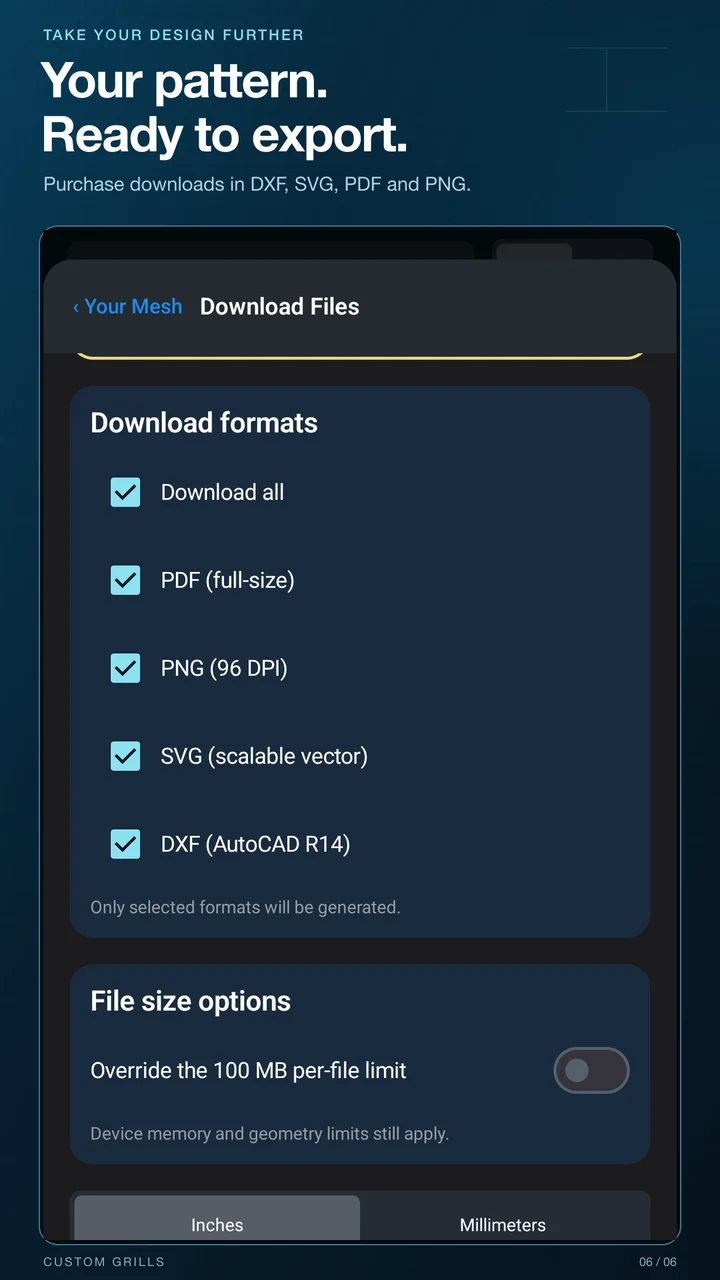
Working with your own fabricator? Purchase a pattern’s downloadable files in PDF, PNG, SVG, and DXF. Try the fixed free sample files first to check compatibility with your workflow.
One purchase unlocks one pattern. Come back for different sheet sizes, borders, or sheet corner radii without paying again for that same pattern. A different pattern can require a separate purchase.
Design-file purchases do not include physical mesh. Purchases use your platform’s store and require an internet connection. Android also uses Google Sign-In for ownership verification. Check scale, cut paths, material limits, and kerf requirements with your fabricator before production.
Four formats. More ways forward.
From a visual reference to vector cut paths.
Print or share a reference.
Use a full-size PDF or a PNG image. For PDF scale checks, print at 100% rather than fitting to the page.
Continue in your own tools.
Take scalable SVG or DXF geometry into compatible CAD or cutting software for inspection and preparation. Files do not include kerf compensation.
05 / Keep the whole project together
Good ideas deserve more than a forgotten screenshot.
A library for your ideas.
Save designs in progress, make copies to explore variations, and organize drafts and purchases with folders, tags, and names. On Android, sign in with Google to sync saved designs and restore purchased patterns. On iOS, drafts stay on the device; purchased patterns can be backed up to private iCloud storage and recovered through Restore Purchases.
A journal for your build.
Record project materials, labeled dimensions, progress, and installation notes. Add up to 12 photos per project, choose a cover photo, and share selected photos with a caption. Build Journal stays on your device and is separate from account design sync.
Learn while you explore.
Guided tutorials walk you through the catalog, premade and custom Studio patterns, and AR placement. Follow a tour when you want help, then return to your own idea.
A little shop time, just for fun.
Match the Mesh challenges you to recreate a target pattern. Nesting Pro turns packing shapes into a puzzle. Play offline and work on your personal high scores. On iOS, Game Center also offers leaderboard features.
Make the app feel like yours.
Choose light, dark, or system appearance, switch between inches and millimeters, calibrate your display, and pick an alternate app icon.
Stay connected to customcargrills.
Find in-app offers when available, open the website, or reach us by phone or email. The app keeps inspiration, design tools, and your next step close at hand.
Before you jump in
A few things worth knowing.
Are the Android and iOS apps the same?
Both include Mesh Studio and Mesh AR. AR placement options, account systems, and purchase recovery differ. Android supports Google account design sync; iOS supports private iCloud backup of purchased patterns. Purchases are handled separately by each store.
Do I need to create an account to try the app?
Browse and design without creating a customcargrills account. Android uses Google Sign-In for design sync and purchases. iOS purchases use Apple’s store; paid-pattern backups depend on iCloud availability.
What requires a purchase?
Downloading your custom pattern’s PDF, PNG, SVG, and DXF files requires a one-time purchase for that pattern. Your device’s store shows the current price before you buy. Fixed sample files are available to try first. Physical mesh and quote orders are separate.
Can I change a pattern after I buy it?
You can change sheet size, borders, and sheet corner radius and export the same purchased pattern again. Changes to the repeating pattern itself can require another purchase.
Will Mesh AR work on my phone?
On Android, Mesh AR needs an ARCore-compatible device; on iOS it needs ARKit-compatible hardware. Both need camera permission and a suitable tracking environment. You can use the other features without AR.
Can I use AR measurements to order or cut mesh?
Use them as planning references. Always confirm physical dimensions with a tape measure before cutting or ordering. A visual preview does not guarantee fit, strength, airflow, or manufacturing suitability.
Are my journal and saved designs synced the same way?
No. Android offers account sync for Studio designs. On iOS, drafts are local and purchased patterns support private iCloud backup; check that backup completes before deleting the app or changing devices. Build Journal entries and saved AR measurements stay on the device.
Is the app available where I live?
Open Google Play or the App Store to check availability for your account, country, and device. The Android launch includes the United States.
Start with one idea
Find your mesh.
Make it yours.
Open the catalog. Try a custom shape. Change one detail and see what happens. Your next build can start right here.
Custom Grills for Android and iOS · Includes optional purchases for custom design downloads.